
HOW SHFT WORKS
Car care.
A little simpler.
Your car comes with a lot to remember.
SHFT brings maintenance, documents, fuel, and driving insights together, so you can focus on the drive.
01 ADD YOUR CAR
Make yourself at home.
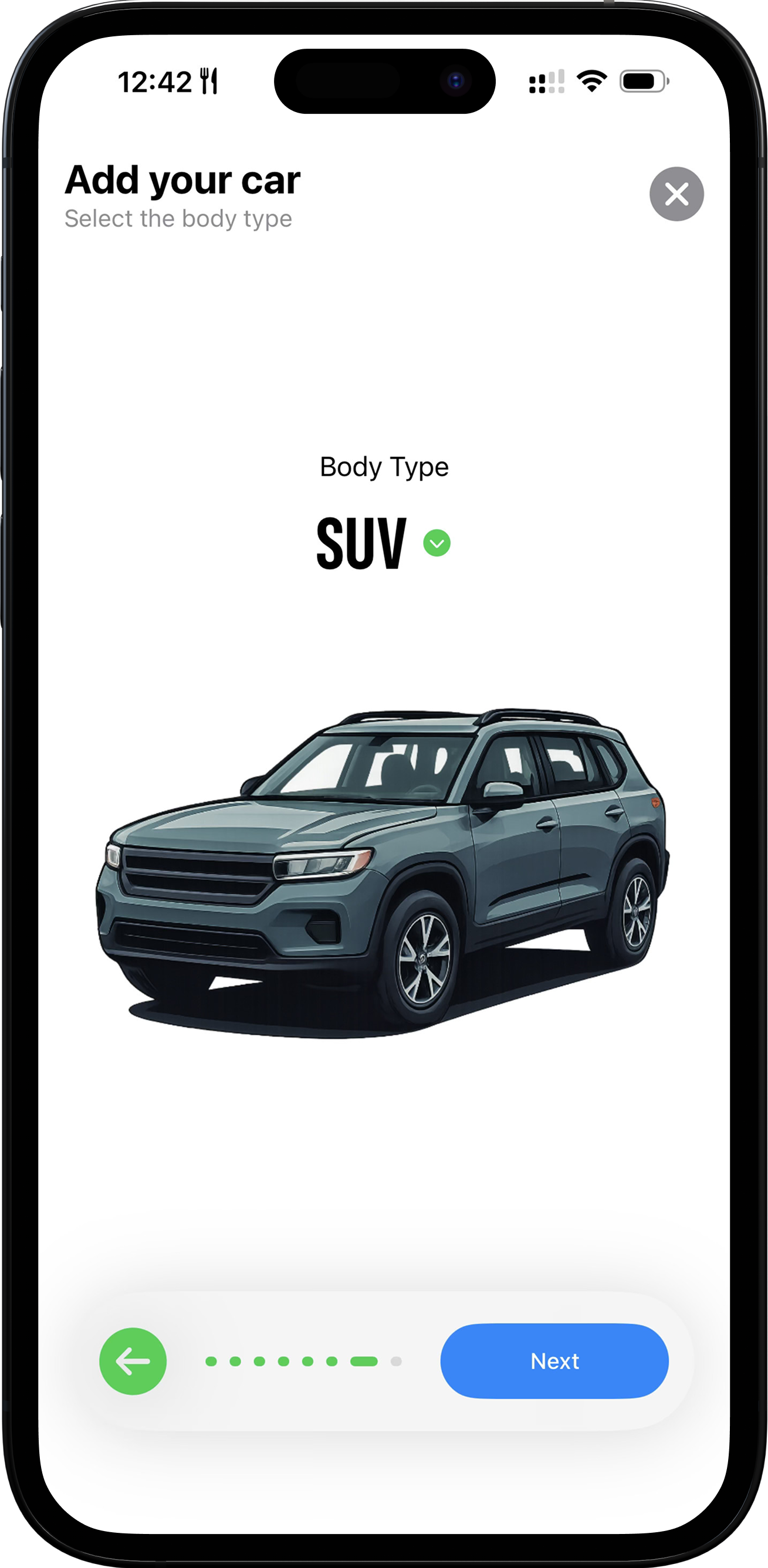
Add your car using its vehicle identification number (VIN), or enter the details yourself. Keep its make, model, year, and other essentials together in one car maintenance app.
02 PLAN THE NEXT SERVICE
Stay a step ahead.
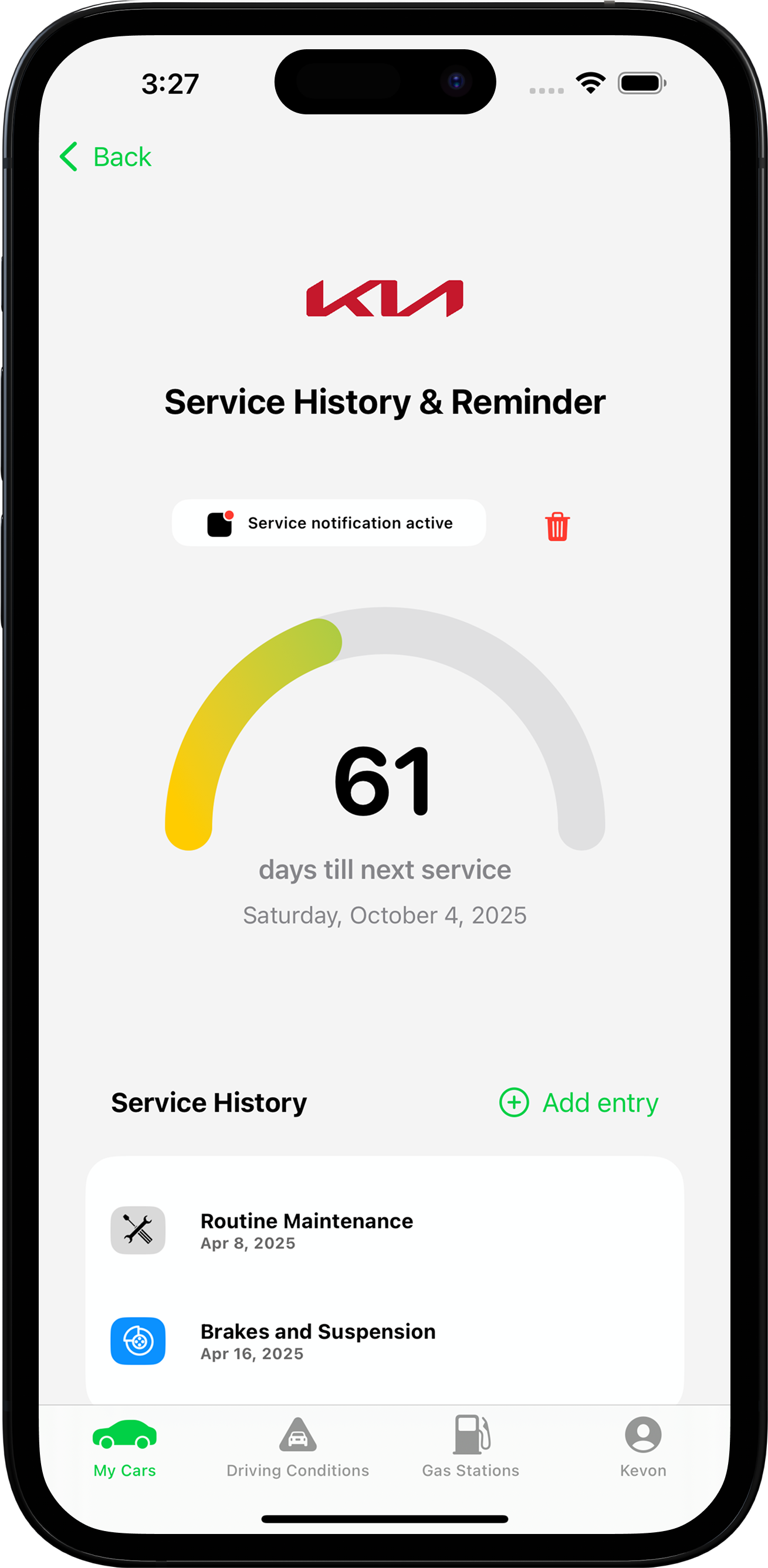
Keep track of upcoming services and important renewals with reminders based on your mileage. Spend less time chasing dates and more time enjoying the drive.
03 BUILD YOUR CAR’S HISTORY
Keep the whole story.
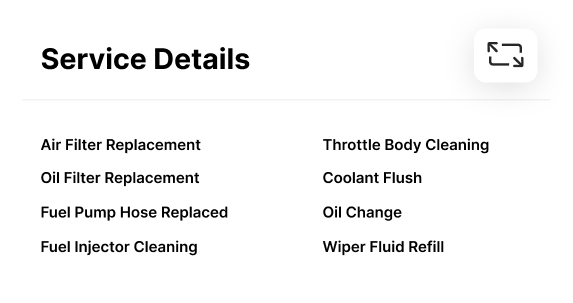
Log services and repairs as you go. Build a clear vehicle service history you can look back on for resale, warranties, or the next workshop visit.
04 KEEP DOCUMENTS READY
Papers, where you need them.
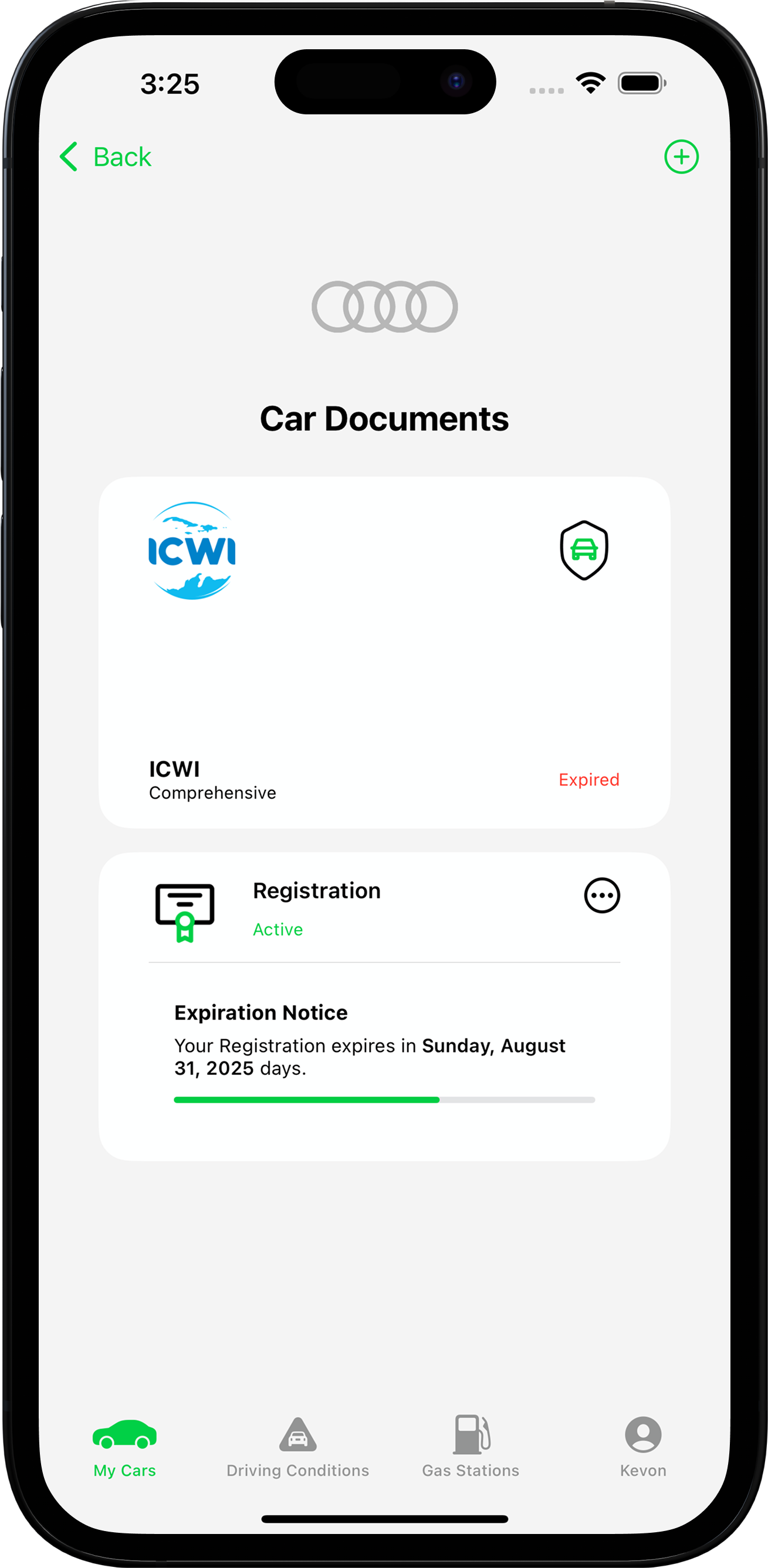
Store car insurance, registration, and fitness certificates in one place. Get renewal reminders before your documents expire, so paperwork never catches you off guard.
05 TRACK EVERY FUEL PURCHASE
See where fuel money goes.
Record each visit to the pump, track fuel costs over time, and compare prices at nearby gas stations. Understand your spending and plan your next trip with fewer surprises.
Currently available to Jamaican users only. More markets to come.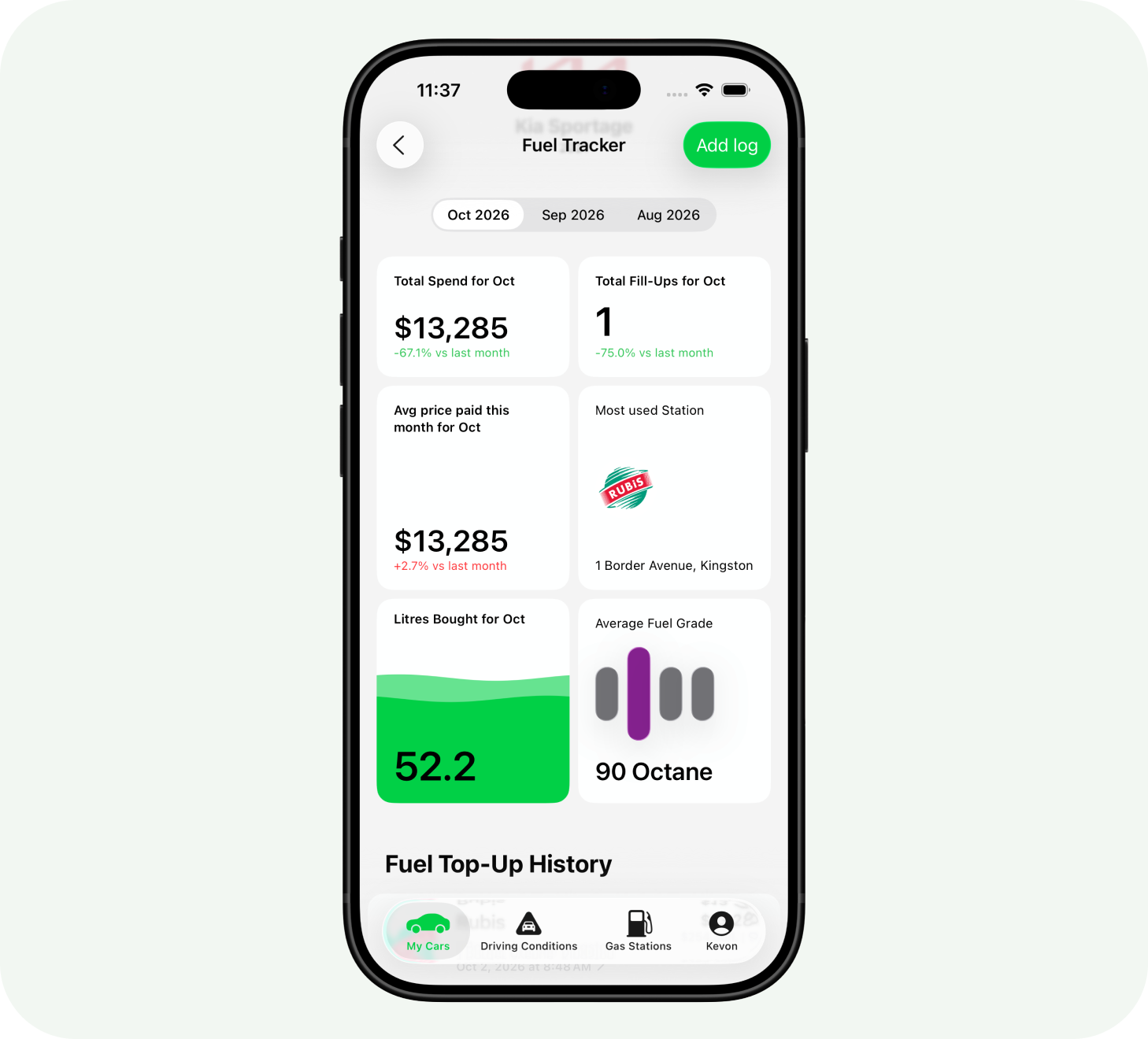
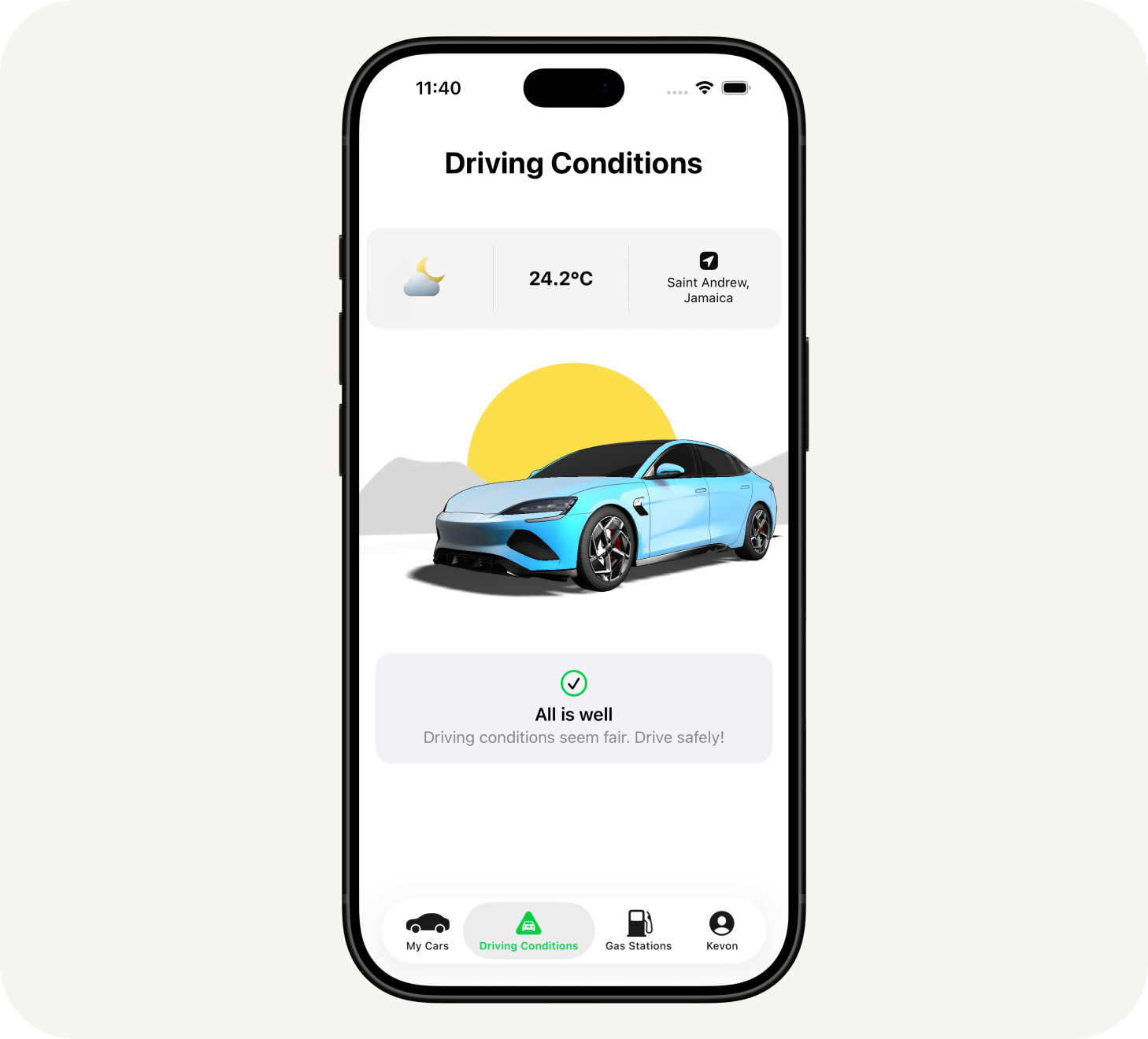
06 CHECK THE ROAD AHEAD
Know before you go.
Check local weather and driving conditions before you leave. A quick look at rain, heat, and visibility helps you plan a safer, smoother drive.
FOR THE EVERYDAY DRIVE
A few more things.
A little less to think about.





Add and manage more cars.
Your first car is free. Expand your garage when you’re ready and keep every vehicle’s maintenance, documents, and history in one place.
Add another car with a Garage Slot Unlock, available for $4.99 through the app.
Take your specs with you.
Add a SHFT Pass to Apple Wallet to keep your vehicle specifications handy for service visits, tyre shops, and the road.



 $197.9890$197.98Diesel$197.98ULSD
Find nearby gas stations.
Explore stations near you and compare live fuel prices before you fill up. Choose your next stop with confidence.
Currently available to Jamaican users only. More markets to come.A few good questions.
What is SHFT?
SHFT is an iPhone app that helps you look after your car. Keep maintenance, service history, important documents, and reminders together in one place.
Do I need to know a lot about cars?
No. Start by adding your car, then keep its details and service records up to date. SHFT helps you see what needs attention without keeping it all in your head.
What if I don’t have my VIN handy?
You can add your car manually instead. Choose your car’s make, model, and year, then fill in its details.
Are nearby gas stations available where I live?
Currently available to Jamaican users only. More markets to come. Users in the United States and Canada can access the core garage, maintenance, and document features.
What is SHFT Pass?
SHFT Pass turns your car’s specifications into a digital pass that you can add to Apple Wallet. It keeps key vehicle details close at hand.
How do I sign in?
SHFT supports Sign in with Apple and Sign in with Google. When you create a profile, you’ll be asked for your name, date of birth, and country.
Can I add more than one car?
Your first car is free. Add another car with a Garage Slot Unlock, available for $4.99 through the app.
A little help goes a long way.
Have a question or something you’d love to see in SHFT?